
Using the Zoom platform I can deliver personal tutorials on Lightroom, Photoshop or any other aspect of my photography. More details here.
Here’s a short sample video showing how it works;
Using the Zoom platform I can deliver personal tutorials on Lightroom, Photoshop or any other aspect of my photography. More details here.
Here’s a short sample video showing how it works;
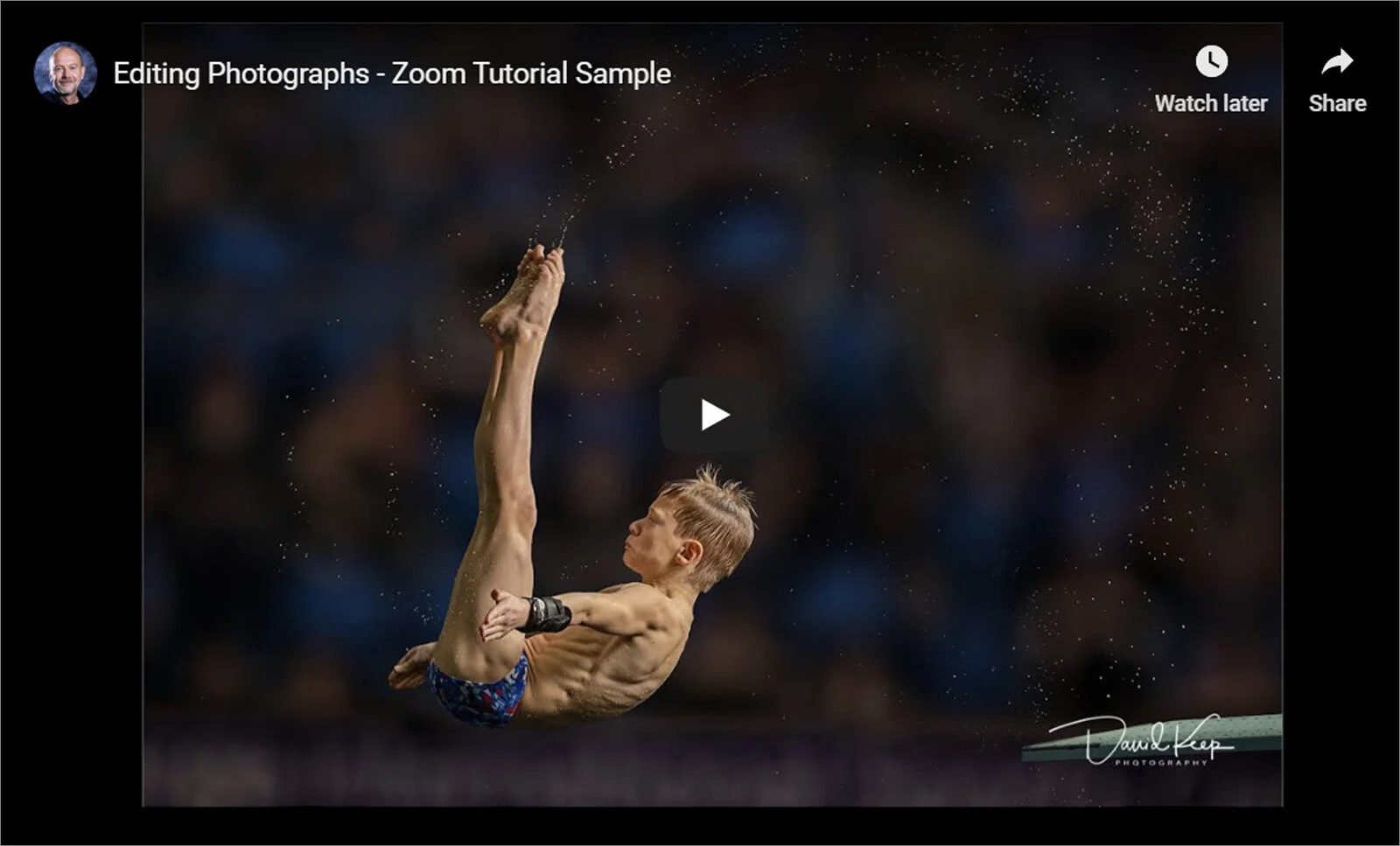
I delivered my second Zoom remote lecture last night - it was Sport to Lowestoft. I know some clubs are still deciding on its usefulness so I thought I’d create this 4 minute video showing you how it comes over as a viewer.
All the audience need is an internet connection and a PC, Mac, laptop, tablet or phone with the ability to hear sound. You don’t need a webcam (unless you want to be seen) or microphone (unless you want to ask questions). Almost all laptops, tablets & phones have all these features built in.
So if you're a camera club or lecturer, thinking about trying it, go for it - I unreservedly recommend it :-)
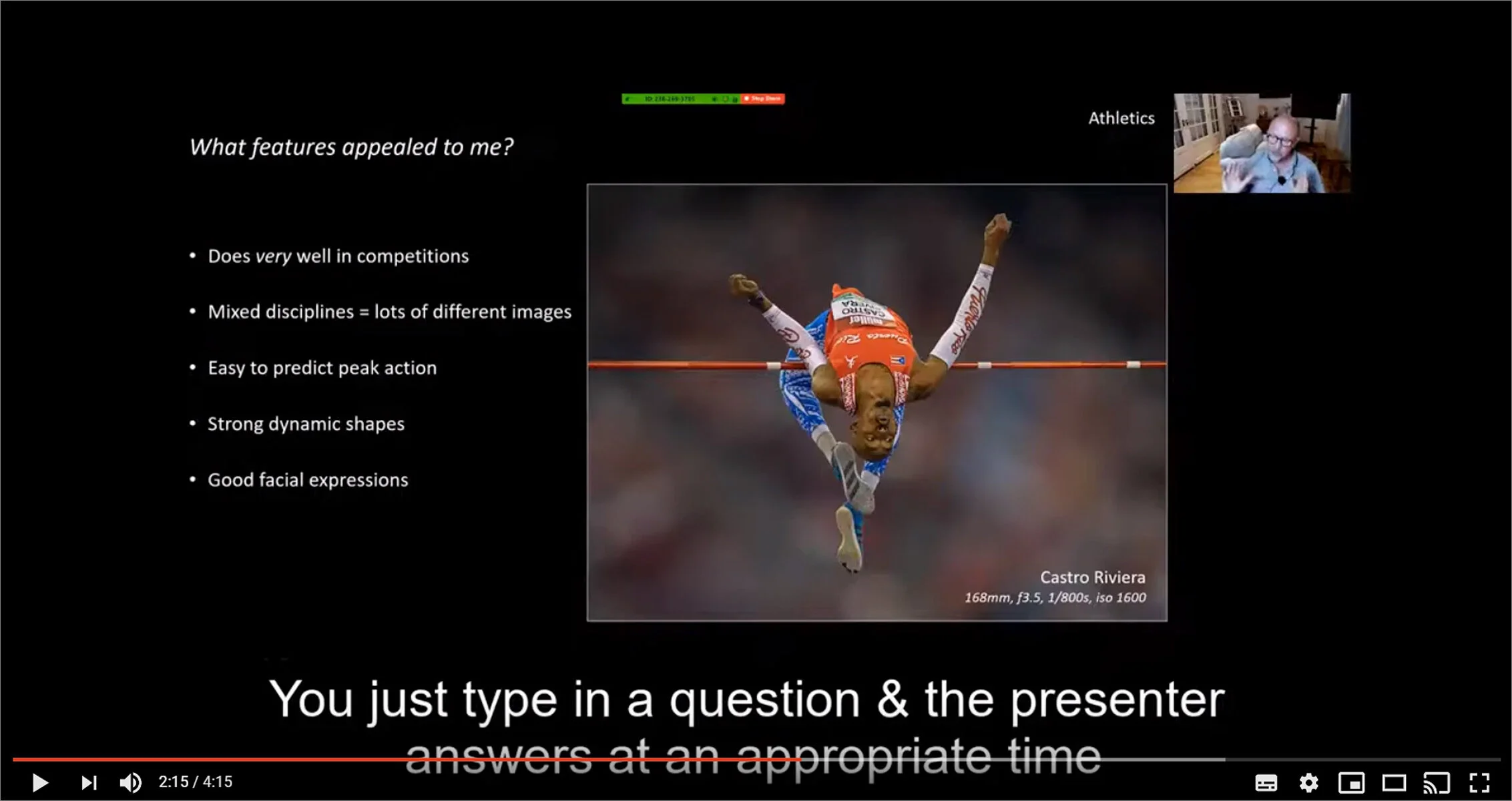
Sport is one of my favourite genres to photograph because it offers great opportunities to capture images with impact. My 90 minute lecture covers seven sports in detail - getting access, technical difficulties and recommended camera settings are all covered.
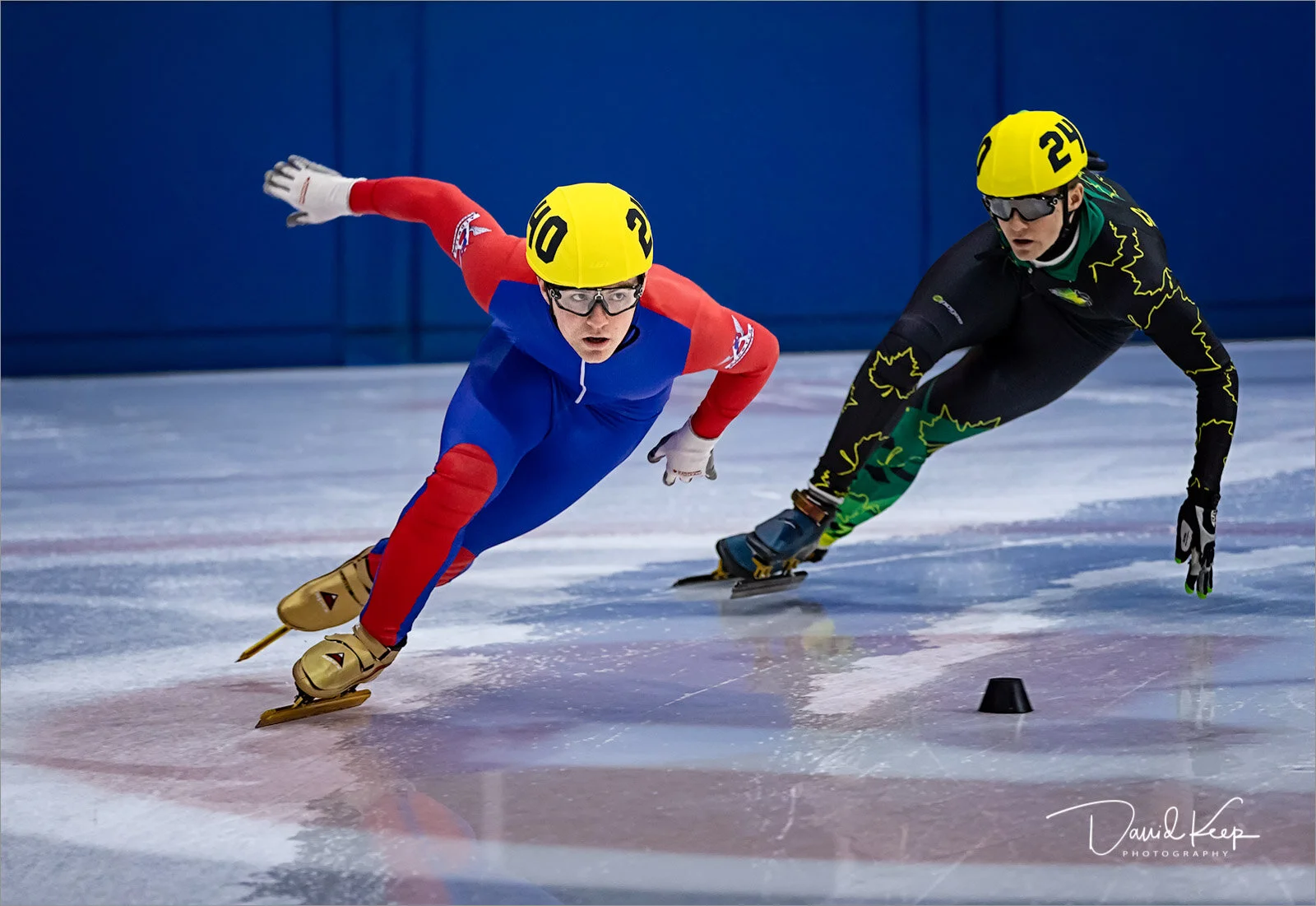
I delivered my first remote lecture via Zoom last night. It was to Hebden Bridge and 32 members tuned in to hear my Underwater talk. All went well I’m pleased to say - here’s the feedback from Bill Pilkington, their programme secretary;
“David presented his first live video lecture via Zoom to our camera club. It was absolutely fabulous. David's professional commentary matched the stunning images and had all of our members mesmerized. The talk works perfectly "remote live" with members being able to ask questions throughout. If you're looking for a guest speaker to give a live, remote presentation, I can recommend David without hesitation.”
*Note; Bill is happy for you to contact him if you’re thinking of setting up Zoom for your club - just email me & I’ll pass you his details
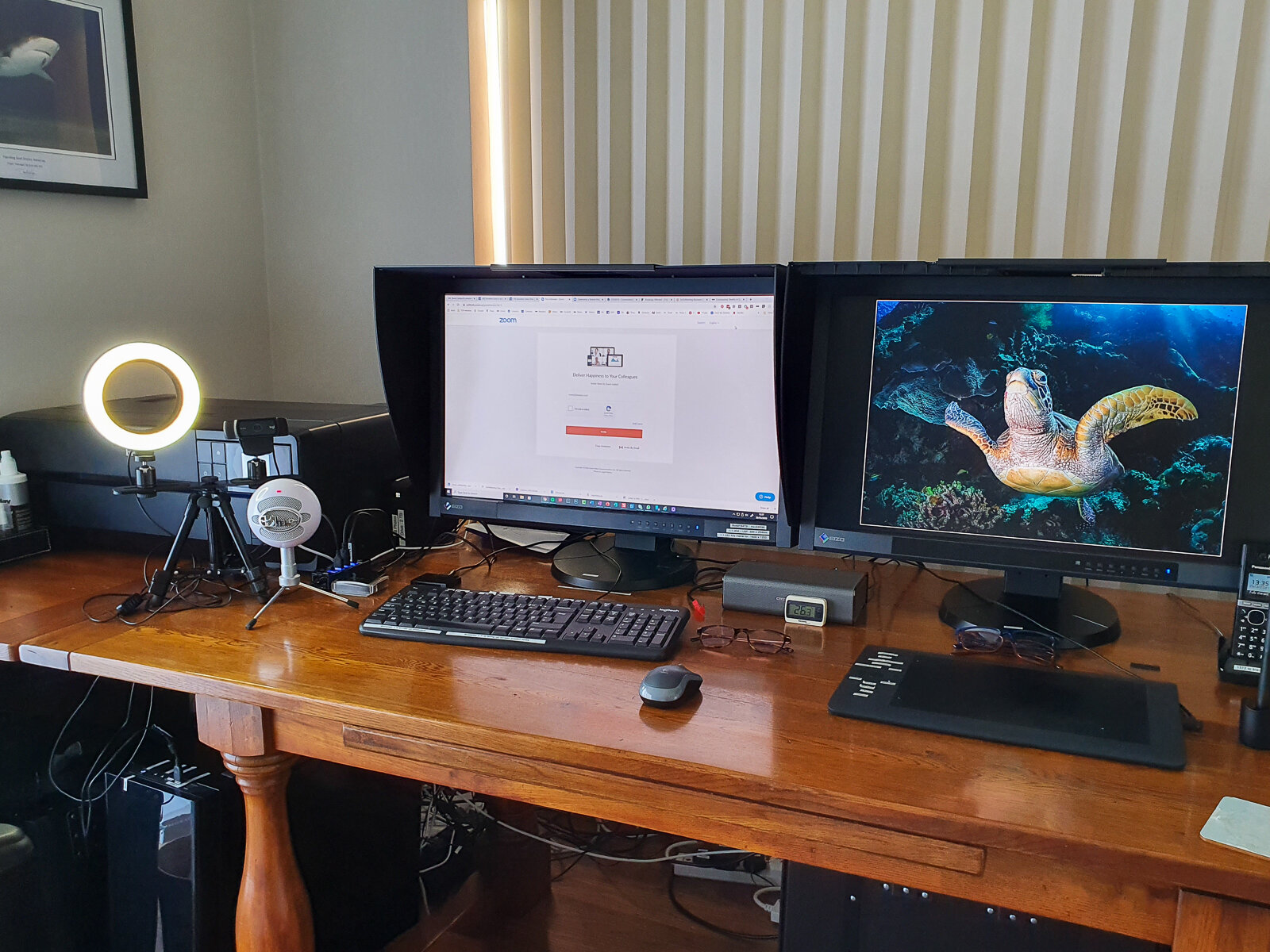
The image below, Lily, has been doing quite well for me in recent national & international competitions. That’s satisfying in itself, but all the more so because I took the shot in a simple studio I set up at home. The model is Lily Martin, the 12 year old granddaughter of one of my shooting buddies. Rather than take her to a professional studio I decided to set up a studio at home, something I’d thought about doing for a while. I think the home setting, coupled with the fact that Lily's mum and grandparents were there, helped everyone relax on the day. It was Lily’s first ever shoot & my first shoot in my home studio!
Lily was amazing & I got some great shots - it was without doubt one of my favourite shoots from 2019. Thank you Lily :-)
The short video takes you behind the scenes and hopefully you can see that it’s not too difficult to set up a home studio if it’s something that interests you.
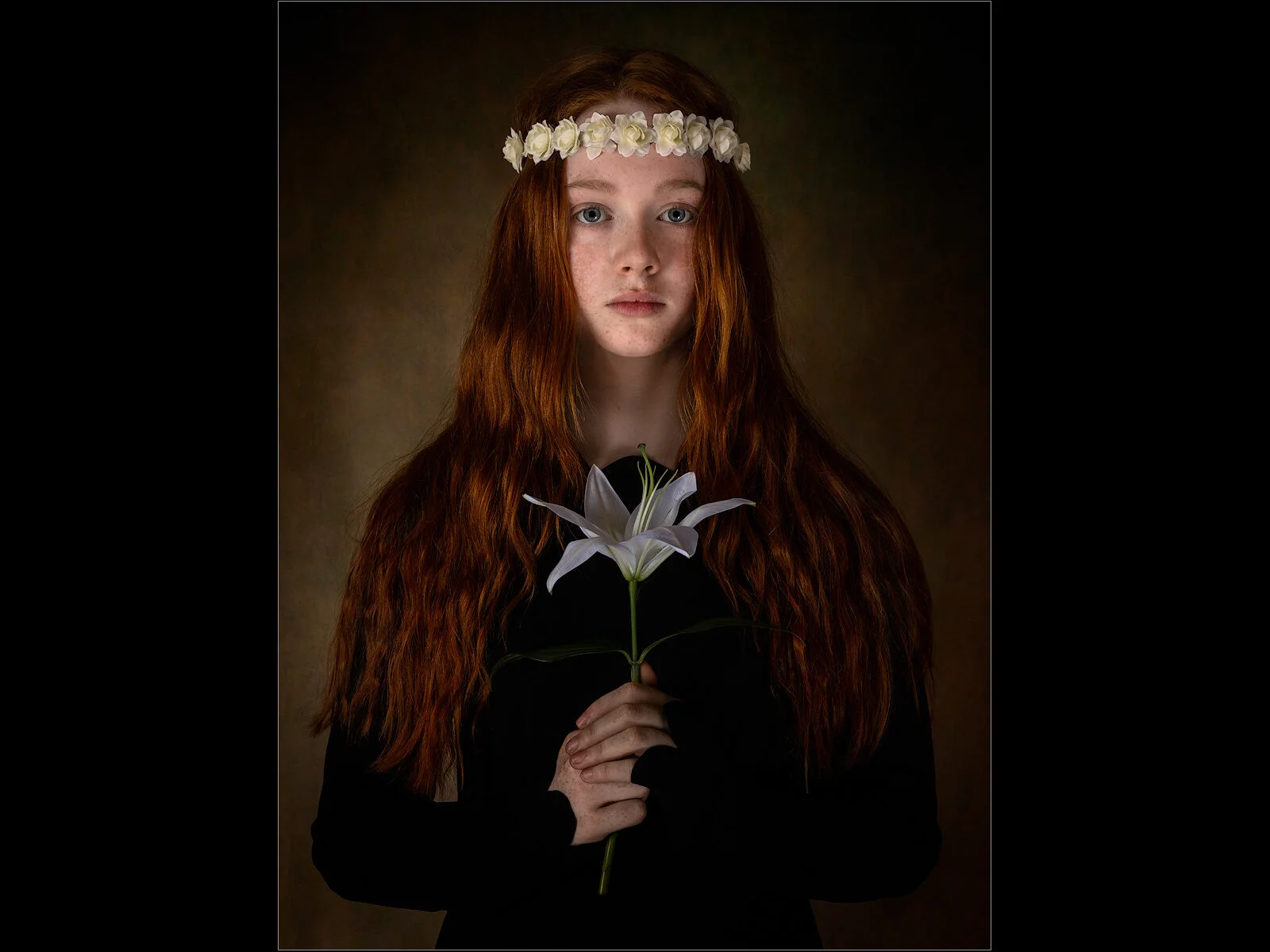
Lily
The remote lecturing idea via Zoom really seems to have hit the mark - I’ve had 25 bookings so far. In these difficult days of social distancing it really does give clubs a solution to be able to keep their programme running - and it’s so easy to use. The benefits in the short term are obvious but I think there are potential longer term benefits too. For example one club are thinking of running a regular Photoshop / Lightroom teach-in session where I cover techniques on my PC & they can tune in to watch & ask questions. There really are lots of possibilities.
If you’re the slightest bit interested, not necessarily in me offering anything, but just to see the possibilities for your club please get in touch - I can demonstrate it for you in less than 10 minutes.
Here’s a bit more info on Zoom;
A bit more info from me here
Zoom is free to install but the free version limits the number of people and time of a meeting to 45 minutes. However, it’s perfectly sufficient to evaluate the technology - one club member could download it & invite several others into a test meeting. I have a Zoom business licence, which means 100 people can join a presentation for an unlimited time.
You can use Zoom from a PC, Mac, phone, iPad, laptop - all you need is speakers. If you want to ask questions you’d need a microphone. You can get good headsets with a microphone built in relatively cheap these days - they just plug into your computer & self-install. Here’s an example. An alternative is to join the meeting using your phone so you can ask questions that way, but I’ve no experience of that so couldn’t comment on how it works.
Pinner Camera Club have produced a guide to using Zoom - http://www.pinnercameraclub.co.uk/zoom/
Smethwick Photographic Society have done similar - https://smethwickps.co.uk/sps-online/
Both Clubs have kindly given me permission to copy the link here. Take a look, they answer all the questions you might have.
You can also test your internet connection prior to a meeting here:
https://ukri.zoom.us/test